
Надійний сервіс електронних платежів! Ми допоможемо зробити Ваші покупки в Інтернеті зручними та доступними!
Приймай платежі онлайн!
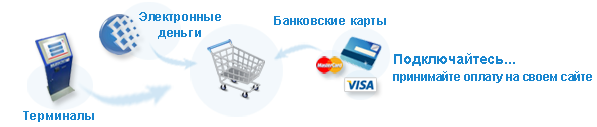
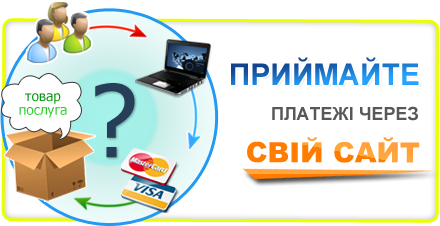
Пропонуємо Вам надійний і зручний механізм для продажу товарів та послуг через Інтернет за допомогою електронних платежів.
Ми підключимо Ваш Інтернет-магазин або сайт до платіжних систем України та міжнародних платіжних систем Visa, MasterCard.
В результаті Вам не потрібно укладати багато угод із різними компаніями - ми одразу підключимо Вас до всіх платіжних інструментів, таких як:
- Платіжні картки Visa, MasterCard;
- НПС ПРОСТІР;
- Платіжні термінали IBox по всій території України.
Ми готові запропонувати Вам найвигідніші, індивідуальні умови співпраці!
На сьогоднішній день інтернет-платежі значно спрощують розрахунки за отримані послуги чи товари. Оплата рахунків в режимі онлайн дозволить Вашим клієнтам заощадити час та кошти, що зробить Вашу компанію більш привабливою.
Платежі здійснюються цілодобово, 7 днів на тиждень.
Для того щоб підключитися до нашого сервісу миттєвих платежів, Вам потрібно заповнити Заявку на підключення, після цього, протягом короткого часу з Вами зв''''яжеться наш фахівець і вишле договір для ознайомлення і підписання.
Наш сервіс UkrPayS.com перевірено часом та багаторічним досвідом роботи.






Новини
|
28.03.2023
|
|
|---|---|
|
Термінали IBOX
|
|
|
27.02.2022
|
|
|---|---|
|
Допомогти Українській армії може кожен з Вас!
|
|
|
30.12.2021
|

|
|---|---|
|
Шановні партнери! Щиро і сердечно вітаємо вас із Новим 2022 роком та Різдвом Христовим!
|
|